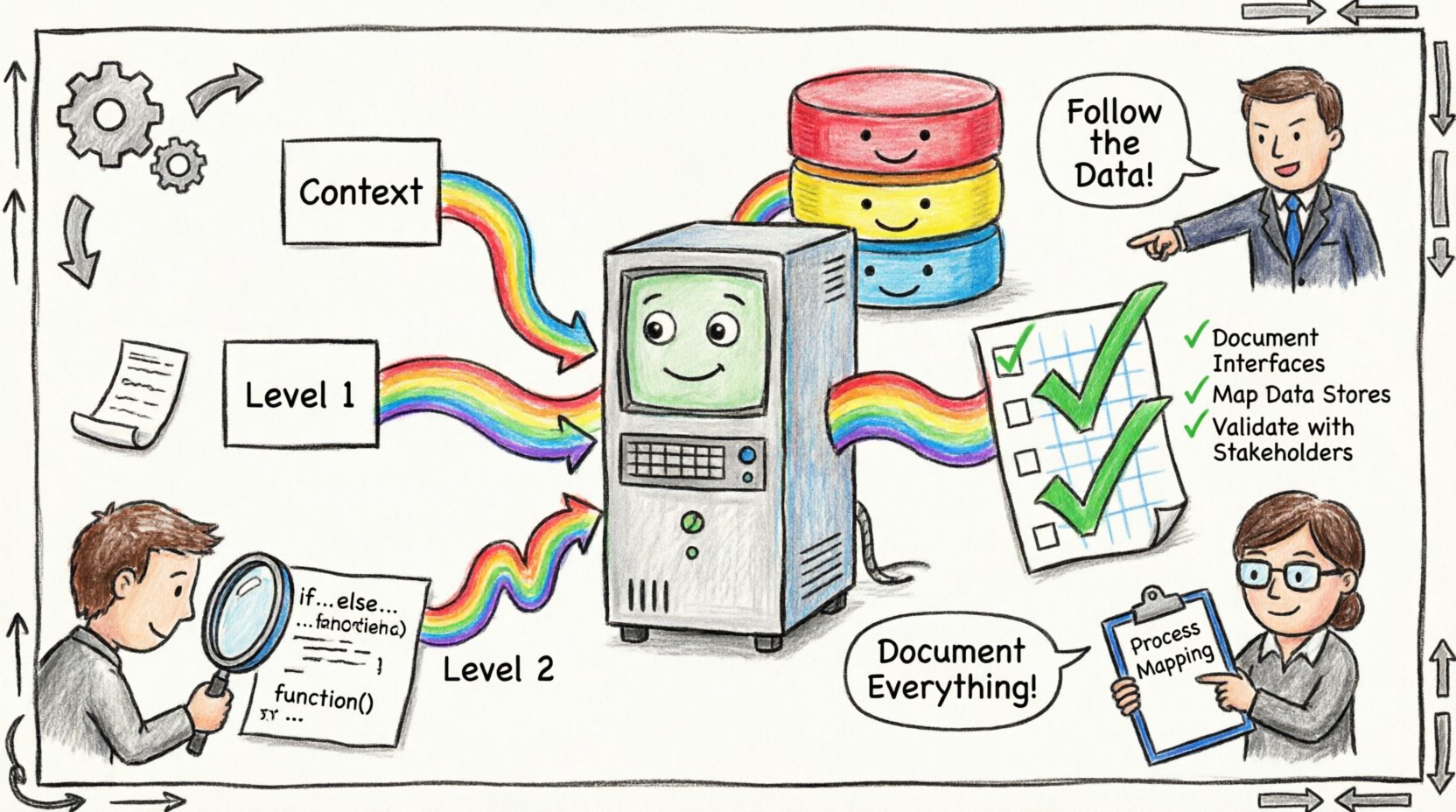
Legacy systems often represent the backbone of critical business operations. Over time, as personnel change and requirements evolve, the original logic embedded within these systems can become obscure. Understanding the flow of data through these environments is essential for maintenance, migration, and compliance. This guide focuses on the rigorous process of documenting legacy systems for study, specifically utilizing Data Flow Diagrams (DFDs) as the primary tool for visualization and analysis. 🛠️
When approaching documentation, the goal is clarity and accuracy. We must capture the truth of how the system operates today, not how it was designed ten years ago. This process requires a methodical approach that respects the complexity of the underlying architecture while making it accessible to current stakeholders.
🔍 Understanding the Scope of Legacy Documentation
Before drawing a single line, it is necessary to define what constitutes the system boundary. Legacy systems often span multiple servers, databases, and interfaces. Identifying the edges of the system is the first step in creating an accurate map.
Defining System Boundaries
A boundary separates the internal processes from external entities. External entities can be users, other systems, or regulatory bodies. Inside the boundary lie the processes that transform data. Defining this boundary prevents scope creep during the documentation phase. It ensures that the diagram remains focused on the specific legacy environment under review.
Consider the following components when setting boundaries:
- External Actors: Human users, automated scripts, or third-party APIs interacting with the system.
- Data Stores: Databases, flat files, or repositories where information persists.
- Processes: Any function that changes data state or moves it between stores.
📝 The Role of Data Flow Diagrams in Study
Data Flow Diagrams provide a visual representation of how information moves through a system. Unlike flowcharts, which focus on control logic and decision points, DFDs emphasize the transformation of data. This distinction is vital for legacy systems where business logic is often buried in code rather than explicit workflow steps.
DFDs offer several advantages for studying old systems:
- Abstraction: They hide implementation details like programming languages or database schemas, focusing on the “what” rather than the “how”.
- Clarity: Visualizing data paths helps identify bottlenecks and single points of failure.
- Communication: They serve as a neutral language between technical staff and business analysts.
🏗️ Levels of Data Flow Diagrams
To document a complex legacy system effectively, one should not attempt to draw everything at once. Breaking the documentation down into levels allows for a top-down approach. This method prevents overwhelming the reader and ensures logical consistency across layers.
1. Context Diagram (Level 0)
The context diagram represents the system as a single process. It shows the system’s relationship with external entities. This high-level view is useful for stakeholders who need to understand the system’s inputs and outputs without getting lost in internal details.
Key elements in a context diagram include:
- One central process representing the entire system.
- External entities surrounding the process.
- Major data flows entering and leaving the system.
2. Level 1 Diagram
The Level 1 diagram explodes the single process from the context diagram into its major sub-processes. This level reveals the major functional areas of the system. It shows how data moves between these major areas and where data is stored.
When creating this level, ensure that data flows balance with the context diagram. Every input and output shown in the context diagram must appear in the Level 1 diagram.
3. Level 2 Diagram (and beyond)
For complex processes within the Level 1 diagram, further decomposition is necessary. Level 2 diagrams break down specific sub-processes into their constituent steps. This level is often where the most detailed study occurs, particularly when analyzing specific business rules or data transformations.
Use the table below to compare the focus of each level:
| Diagram Level |
Focus |
Primary Audience |
| Context Diagram |
System boundaries and external interfaces |
Executives, Architects |
| Level 1 |
Major functional areas and data stores |
Business Analysts, Lead Developers |
| Level 2 |
Detailed process logic and data transformations |
Developers, QA Engineers |
🧩 Gathering Information for Accurate Diagrams
Creating a diagram is not merely a drawing exercise; it is a research activity. You must gather evidence to support the visual representation. Relying on memory or outdated manuals leads to inaccurate documentation. The following methods help ensure the data flow is captured correctly.
1. Reverse Engineering Code
Examining the source code provides the most reliable evidence of data movement. Look for database queries, file read/write operations, and API calls. Trace the variables and objects being manipulated to map out the actual data paths. This approach is essential when business logic has diverged from the original design.
2. Analyzing Database Structures
Database schemas often tell the story of the system. Foreign keys indicate relationships between data entities. Stored procedures reveal the logic used to transform data. By mapping table relationships to process boxes, you can validate the data flow diagrams against the physical storage layer.
3. Conducting Interviews
Long-term employees often hold tacit knowledge that is not written down. Interviews should focus on specific scenarios rather than general system descriptions. Ask users to walk through a specific transaction step-by-step. Compare their description with the technical evidence found in the code. Discrepancies between user expectations and system reality are often where the most valuable insights are found.
4. Reviewing Logs and Traces
System logs can reveal the actual sequence of operations. By analyzing transaction logs, you can see which processes are actually triggered and in what order. This is particularly useful for asynchronous systems where data flows are not immediate.
🎨 Principles for Creating Effective Diagrams
When drawing the diagrams, adherence to standard notation is crucial for consistency. While tools vary, the underlying principles remain the same. Clarity is the highest priority.
Consistency in Notation
Ensure that every process is represented by the same shape and color. Use consistent labeling for data stores and data flows. If a data flow is labeled “Customer Data” in one diagram, it should not be labeled “Client Info” in another. Consistency reduces cognitive load for anyone reviewing the documentation.
Balancing Data Flows
A fundamental rule of DFDs is data conservation. Data cannot be created or destroyed; it can only be transformed. If a process has an input flow, it must have a corresponding output or a storage action. If a flow disappears without explanation, the diagram is likely incorrect.
Avoiding Control Logic
DFDs are not flowcharts. Do not include decision diamonds or loops within the process boxes. These elements belong in program flow diagrams. In a DFD, a decision is simply a branching data flow. Keep the focus on the movement and transformation of data, not the logic controlling that movement.
🛡️ Validation and Maintenance
Documentation is a living artifact. As the system evolves, the diagrams must be updated. A static document quickly becomes a liability. Establish a process for keeping the diagrams current.
Validation Strategies
Before finalizing the documentation, validate the diagrams with the development team. They can identify logical errors or missing components that were overlooked during the analysis phase. Peer review is a powerful tool for catching inaccuracies.
Maintenance Protocols
Integrate diagram updates into the change management process. Whenever a significant code change occurs, the DFD should be reviewed. This ensures that the documentation reflects the current state of the system. Version control for the diagrams themselves can help track changes over time.
📋 Checklist for Documentation Projects
To ensure a comprehensive study, use the following checklist as a guide:
- ☑️ Define the system boundary clearly.
- ☑️ Identify all external entities and their roles.
- ☑️ Map all data stores and their relationships.
- ☑️ Verify that data flows are balanced across levels.
- ☑️ Label all flows with clear, consistent names.
- ☑️ Validate findings against source code and logs.
- ☑️ Review diagrams with subject matter experts.
- ☑️ Establish a versioning system for future updates.
🌐 The Broader Impact of Documentation
Documenting legacy systems is not just about creating a picture; it is about preserving institutional knowledge. When systems are undocumented, the organization becomes vulnerable to the loss of personnel. Accurate diagrams reduce the risk associated with system changes and migrations.
Furthermore, clear documentation facilitates onboarding for new team members. Instead of spending weeks deciphering code, new engineers can refer to the diagrams to understand the system architecture. This accelerates the learning curve and allows the team to focus on value-added tasks rather than basic comprehension.
Finally, in the context of compliance and auditing, having a clear map of data flow is often a requirement. It demonstrates that the organization understands where sensitive information resides and how it is processed. This transparency builds trust with regulators and stakeholders alike.
🚀 Moving Forward with Confidence
The task of documenting legacy systems requires patience and precision. By leveraging Data Flow Diagrams, you can bring structure to complexity. The process of study reveals not only how the system works but also where improvements can be made. With a solid foundation of accurate documentation, the path toward modernization or maintenance becomes much clearer.
Focus on the data. Follow the flow. Validate the findings. This disciplined approach ensures that the legacy system is understood, respected, and managed effectively for the future.